App available for Android and iOS
76pp Download – Get the App and Bet from Anywhere in Brazil
The 76pp app puts sports betting, Live Casino, and hundreds of slots right on your phone screen. Fast, secure, and with deposits via Pix.

The 76pp app puts sports betting, Live Casino, and hundreds of slots right on your phone screen. Fast, secure, and with deposits via Pix.
The 76pp app works great on both Android and iPhone. See the details for each version.
For Android: since the 76pp APK is distributed outside the Google Play Store, you need to enable the option "Install from unknown sources" (or "Allow from this source") in your phone's settings before installing. The process is simple and takes less than a minute — see the step-by-step guide below.
Follow these four steps and be playing in under three minutes
Tap the download button on this page. The 76pp APK file will start downloading directly to your phone.
When Android asks, tap "Settings" and enable the "Install from unknown sources" option for your browser or file manager.
Open the downloaded file in your downloads folder and tap "Install". The process takes just a few seconds.
Open the 76pp app, log in or create a new account in minutes. Make your first deposit via Pix and start betting.
Many people start accessing 76pp through their mobile browser and it works fine — the mobile version of the site is already optimized and responsive. But those who try the app once rarely go back to just the browser. The difference is in the details: faster loading, an interface free of browser tabs and system ads, real-time push notifications for goals and results, and a much smoother live betting experience.
In the app, the entire screen is dedicated to the platform. You don't waste time waiting for the page to reload when switching sections, and live odds charts update almost instantly. For those who enjoy live football betting — especially in the final rounds of the Brasileirão or Champions League matches — that difference in response time makes all the difference when placing a bet.
The app brings everything the platform offers into one place. From the moment you open the app, you have direct access to the main sections:
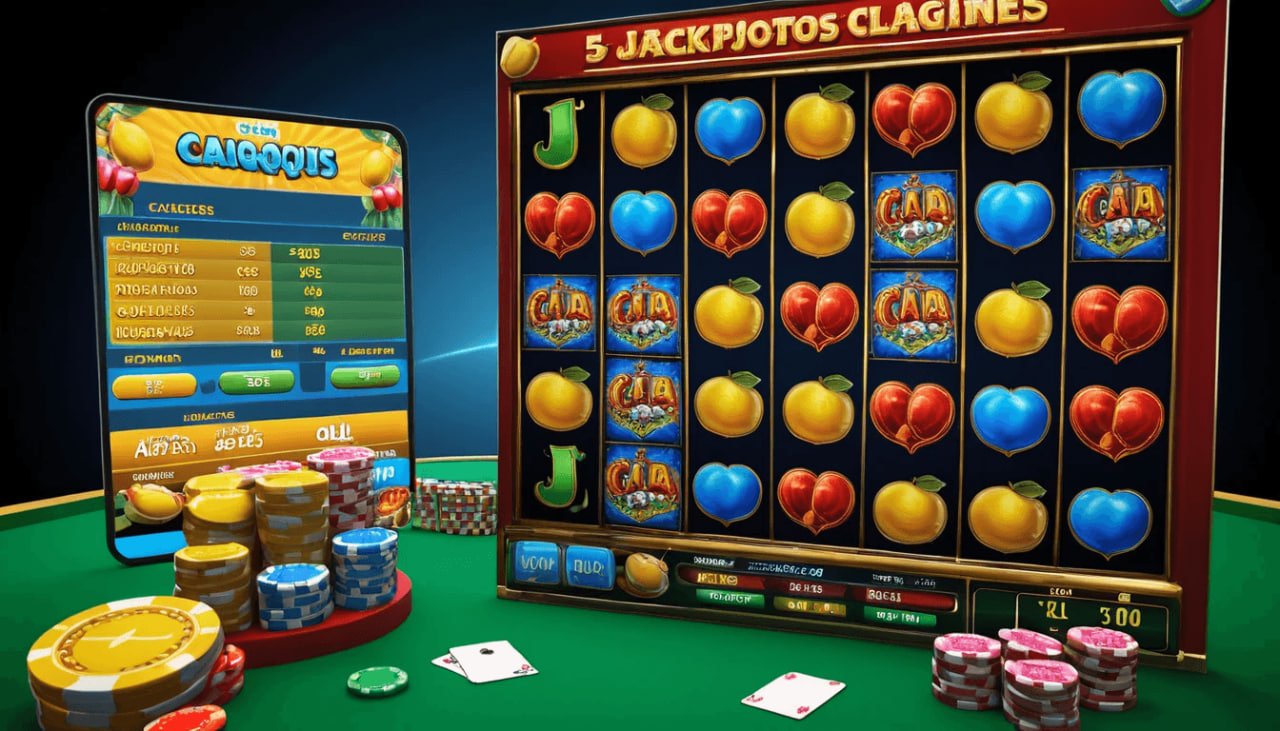
76pp – Sports betting, Live Casino, and Slots all in one app
A common concern when downloading an APK outside the official store is whether the file is safe. With 76pp, the file is distributed directly from the platform's servers with integrity verification via SHA-256 hash. This means the file that arrives on your phone is exactly the same one that was sent — no modifications, no additional code.
Once installed, the app uses TLS 1.3 encryption on all communications with its servers. Your login credentials, CPF information, and financial transactions via Pix are transmitted fully encrypted. The 76pp also offers optional two-factor authentication for anyone who wants an extra layer of account protection.
Yes. The app from 76pp was designed to run well on a wide range of devices, not just flagship models. In internal testing, the app showed stable performance on phones with 2 GB of RAM and mid-range processors such as the Snapdragon 665 and MediaTek Helio G85 — devices very common in Brazil in the R$ 700 to R$ 1,200 price range.
Battery consumption is also optimized: the app uses efficient rendering for Live Casino games and only activates push notifications when there are relevant events. For live football betting, data usage is approximately 15–25 MB per hour with real-time odds streaming.
| Specifications | Android (minimum) | Android (recommended) | IOS (minimum) |
|---|---|---|---|
| System version | Android 7.0 | Android 10+ | IOS 13 |
| RAM Memory | 2 GB | 4 GB or more | 2 GB (iPhone 8+) |
| Free storage | 80 MB | 200 MB | 100 MB |
| File size | ~38 MB (APK) | ~38 MB (APK) | ~45 MB |
| Recommended connection | 3G / Wi-Fi | 4G / Wi-Fi | 4G / Wi-Fi |
| Integrated Pix | Yes | Yes | Yes |
| Biometrics / Face ID | Fingerprint | Fingerprint | Face ID / Touch ID |
Pix is the primary payment method at 76pp, and the app was built to make the most of this technology. Deposits are made in three steps: you choose the amount, copy the Pix key automatically generated by the app, and confirm the payment in your bank. The balance appears in your 76pp account in under 60 seconds in most cases.
For withdrawals, the process is equally straightforward: request it through the app, enter the Pix key registered to your CPF, and the money goes directly to your bank account. VIP members have withdrawals processed with priority — at the Diamond level, the credit typically arrives within minutes. No withdrawal fees, no intermediaries, no hassle.

76pp – Deposits and withdrawals via Pix integrated into the mobile app
The mobile web version of 76pp is functional and accessible from any browser, with no installation required. It is a good option for those who want to try the platform before committing to the download. The native app, on the other hand, offers:
The app from 76pp updates automatically when a new version is available, so you don't need to download the APK again on Android. A notification appears inside the app itself to inform you of the update, and the process runs in the background while you use the platform normally.
Keeping the app updated is important to ensure access to new features, security improvements, and performance fixes. The 76pp team releases regular updates with new features, interface adjustments, and an expanded games catalog.

76pp – Updated app interface with new features and games
Some users run into issues during the first APK installation on Android, usually due to the system's security settings. If Android blocks the installation, go to Settings → Apps → Special app access → Install unknown apps and grant permission for your browser (Chrome, Firefox, etc.) or file manager.
If the app freezes on the loading screen, try clearing the cache in Settings → Apps → 76pp → Storage → Clear cache. This resolves most issues without needing to uninstall. For anything else, 76pp support is available 24 hours a day via the in-app chat or through the website.
Track odds changing second by second during football, basketball, and tennis matches. The app's latency is lower than the web version, giving you a faster response edge on time-sensitive bets.
Set up notifications for your favorite teams and receive alerts for kick-off, goals, penalties, and final results directly on your phone's lock screen.
Use your phone's camera to scan Pix QR codes directly in the app, no need to manually copy and paste keys. One-tap deposit.
View all your bets, results, wins, and losses organized by date, type, and amount. A valuable feature for anyone who wants to track their performance more seriously.
The 76pp app automatically detects your phone's dark mode and adjusts the interface. Ideal for betting at night without straining your eyes.
Free download, registration in minutes, and deposit via Pix. Android and iOS. Get started now.